
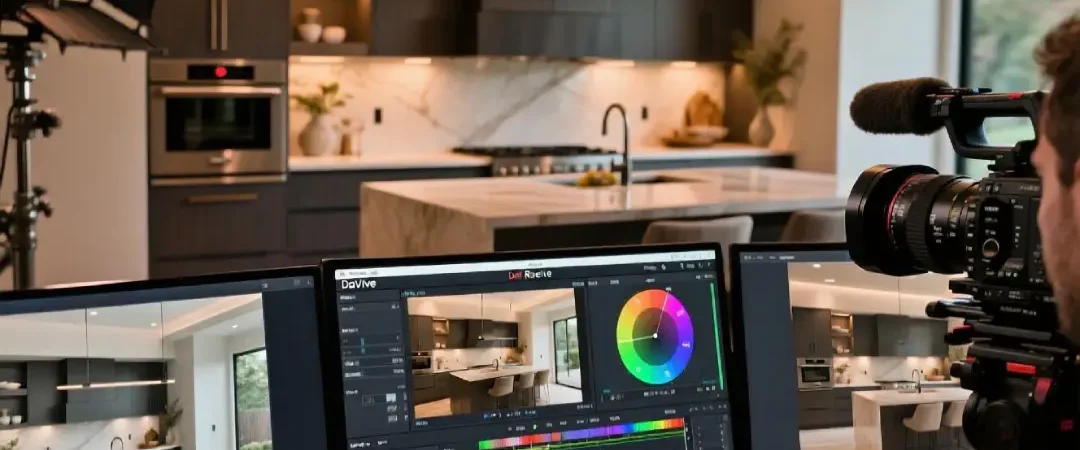
In today’s competitive real estate market, luxury real estate video editing has become a crucial differentiator for agents and property marketers across the USA. While shooting stunning footage is important, the magic truly happens in post-production, particularly during the color grading process. Whether you’re a beginner real estate agent learning how to edit real estate videos or a seasoned professional looking to elevate your cinematic real estate video editing skills, mastering color grading is essential for creating compelling property showcases that capture buyers’ attention and drive sales.
Color grading transforms ordinary real estate footage into visually stunning presentations that highlight a property’s best features while creating an emotional connection with potential buyers. This comprehensive guide will take you through every aspect of how to color grade real estate footage, from basic adjustments to advanced techniques used by top real estate video editor tools.
Understanding the Fundamentals of Real Estate Color Grading
What is Color Grading in Real Estate Video Production?
Color grading is the process of enhancing and adjusting the color, contrast, and overall look of your video footage to create a specific mood or aesthetic. In real estate videography, effective color grading serves several crucial purposes:
Creating Consistency: Real estate properties are often filmed under varying lighting conditions throughout the day. Color grading ensures consistent visual quality across all shots, creating a cohesive viewing experience that maintains professional standards expected in luxury real estate video editing.
Enhancing Property Appeal: Proper color correction makes spaces appear more inviting, spacious, and luxurious. This is particularly important for video editing for luxury properties where every detail must convey premium quality and desirability.
Establishing Mood and Atmosphere: Different color grades can evoke specific emotions. Warm tones create cozy, welcoming feelings, while cooler tones can emphasize modern, sophisticated aesthetics.
The Technical Foundation
Before diving into practical techniques, it’s essential to understand the technical aspects that form the foundation of professional real estate video editing tips:
Color Temperature: Measured in Kelvin, color temperature affects the warmth or coolness of your footage. Daylight typically measures around 5600K, while indoor tungsten lighting is approximately 3200K. Understanding these values helps you achieve natural-looking corrections.
Exposure and Contrast: Proper exposure ensures detail retention in both highlights and shadows, crucial for showcasing interior spaces with varying light levels. Contrast adjustments help create depth and visual interest in flat-looking footage.
Saturation vs. Vibrance: Saturation affects all colors equally, while vibrance selectively enhances less saturated colors while protecting skin tones. For real estate footage, vibrance often produces more natural results.
Essential Tools and Software for Real Estate Color Grading
Professional Color Grading Software
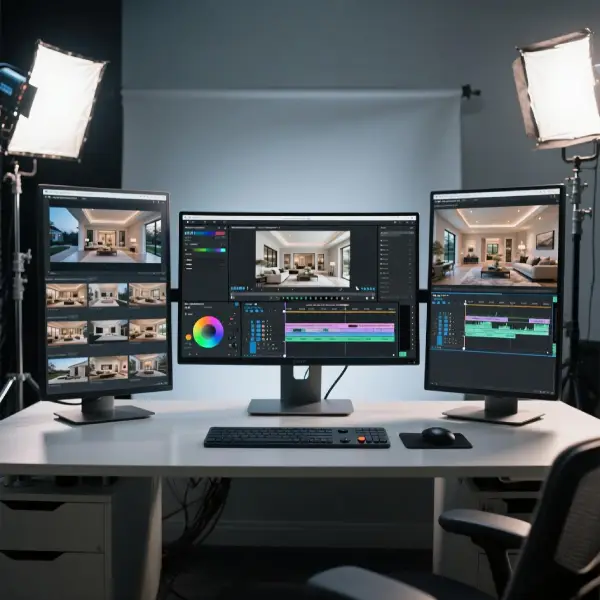
Choosing the right real estate video editor tools significantly impacts your workflow efficiency and final results. Here are the top recommendations for different skill levels:
DaVinci Resolve: The industry standard for color grading, DaVinci Resolve offers professional-grade tools with a free version that includes most features needed for real estate video editing USA projects. Its node-based workflow allows for complex corrections and creative looks.
Adobe Premiere Pro: Integrated with the Creative Suite, Premiere Pro provides robust color correction tools including Lumetri Color panel, making it excellent for streamlined cinematic real estate video editing workflows.
Final Cut Pro: Mac-exclusive software offering intuitive color grading tools with excellent performance optimization, particularly suitable for luxury real estate video editing projects requiring quick turnaround times.
Adobe After Effects: While primarily for motion graphics, After Effects excels at advanced color grading techniques and creating custom looks for high-end property presentations.
Hardware Considerations
Professional color grading requires calibrated monitors to ensure accurate color representation. Key hardware components include:
Color-Accurate Monitors: Invest in monitors with wide color gamuts (sRGB minimum, Rec.709 preferred) and factory calibration. Popular choices include ASUS ProArt series, BenQ SW series, and Eizo ColorEdge monitors.
Calibration Tools: Hardware calibration devices like X-Rite i1Display Pro or Datacolor SpyderX ensure consistent color accuracy across different viewing environments.
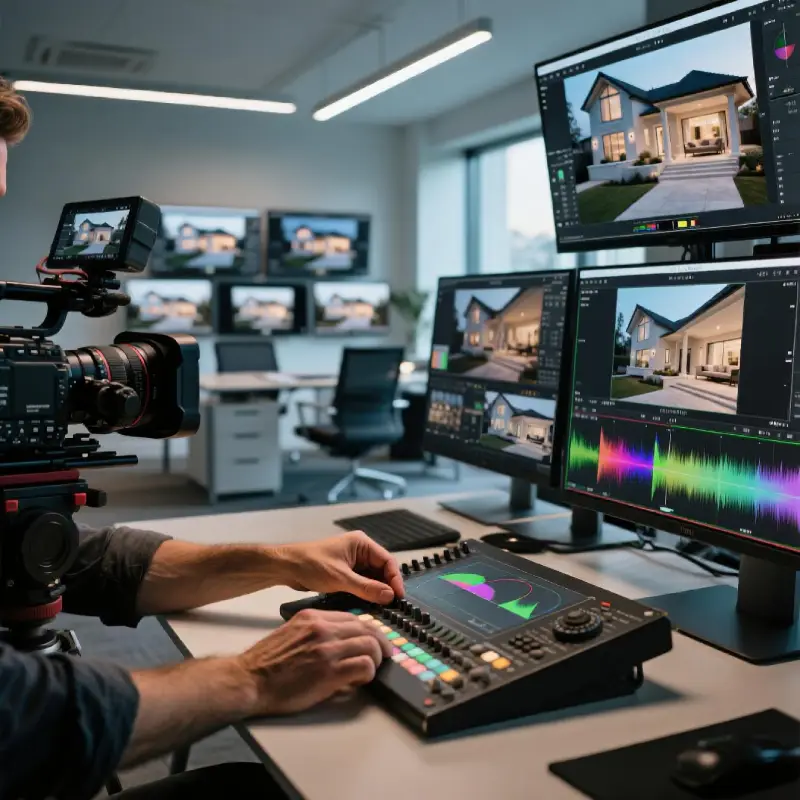
Control Surfaces: Professional color grading panels like Blackmagic DaVinci Resolve panels or Tangent Wave panels provide tactile control for precise adjustments.
Step-by-Step Color Grading Workflow for Real Estate Footage
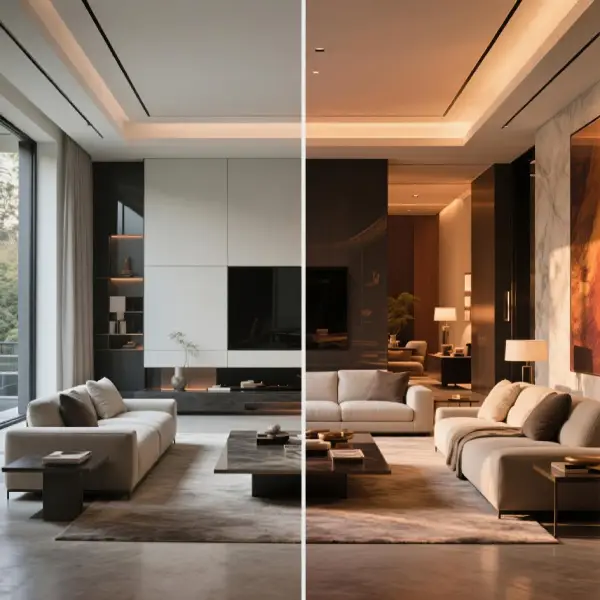
Phase 1: Technical Corrections (Primary Color Correction)
The first phase focuses on correcting technical issues and establishing a solid foundation for creative grading. This stage is crucial for all real estate video editing tips and should never be skipped.
Step 1: Analyze Your Footage
Begin by examining your raw footage to identify common issues in real estate videography:
- Mixed lighting sources (daylight through windows, tungsten indoor lighting, LED fixtures)
- Overexposed windows or underexposed interiors
- Color casts from artificial lighting
- Inconsistent exposure between shots
Step 2: Set Your Monitoring Environment
Ensure your workspace is properly set up for accurate color evaluation:
- Calibrate your monitor using professional calibration tools
- Control ambient lighting in your workspace
- Set monitor brightness to appropriate levels (typically 100-120 cd/m²)
- Verify your timeline is set to the correct color space (typically Rec.709 for web delivery)
Step 3: White Balance Correction
White balance correction is fundamental for natural-looking footage:
- Identify a neutral reference point in your footage (white walls, neutral objects)
- Use your software’s white balance eyedropper tool on the reference point
- Fine-tune using temperature and tint sliders
- For mixed lighting situations, consider creating multiple correction nodes for different light sources
Step 4: Exposure and Contrast Adjustments
Proper exposure correction ensures detail retention throughout the tonal range:
- Lift (Blacks): Adjust to set proper black levels without crushing shadow detail
- Gamma (Midtones): Control overall brightness while maintaining contrast
- Gain (Whites): Set highlight levels to prevent clipping while maintaining brightness
- Contrast: Add punch and depth to flat-looking footage
Phase 2: Secondary Corrections and Selective Adjustments
Secondary corrections allow you to address specific areas or color ranges within your footage, essential for how to edit real estate videos professionally.
Window Pull Techniques
Real estate footage often suffers from overexposed windows. Here’s how to address this common issue:
- Power Windows: Create geometric shapes to isolate window areas
- Luminance Qualification: Select overexposed areas based on brightness values
- Gradual Exposure Reduction: Slowly bring down exposure to retain some brightness while recovering detail
- Saturation Recovery: Add back color information that may be lost in overexposed areas
Interior Lighting Enhancement
Enhance interior spaces to appear more inviting and spacious:
- Shadow Lifting: Gently lift shadows to reveal detail in darker areas
- Midtone Contrast: Add contrast to midtones for better definition
- Color Temperature Zones: Adjust different areas to match the intended ambiance
- Localized Sharpening: Enhance detail in key areas like kitchen countertops or architectural features
Phase 3: Creative Color Grading and Look Development
This final phase transforms technically correct footage into visually compelling cinematic real estate video editing that stands out in the competitive market.
Developing Your Signature Look
Creating a consistent visual style across your real estate projects builds brand recognition and professional credibility:
Modern Luxury Aesthetic: Characterized by:
- Slightly desaturated color palette
- Enhanced contrast with deep blacks
- Warm highlights with cool shadows
- Subtle orange and teal color separation
Classic Elegance Look: Features:
- Warmer overall color temperature
- Soft, diffused highlights
- Rich, saturated colors without oversaturation
- Film-inspired color curves
Contemporary Clean Style: Includes:
- Neutral color balance
- High contrast with detailed shadows
- Crisp, sharp imagery
- Minimal color stylization
Advanced Techniques for Luxury Real Estate Video Editing
HDR Tone Mapping for Interior Spaces
High Dynamic Range (HDR) techniques help manage the extreme contrast between bright windows and darker interiors:
Exposure Blending: Combine multiple exposure levels from the same shot to create balanced lighting throughout the frame. This technique requires shooting with cameras capable of capturing sufficient dynamic range or using exposure bracketing techniques.
Shadow/Highlight Recovery: Use advanced shadow and highlight recovery tools to pull detail from both ends of the exposure spectrum while maintaining natural transitions.
Local Adaptation: Apply different corrections to various areas of the frame to simulate how the human eye naturally adapts to different brightness levels within a scene.
Color Matching Across Different Shots
Consistency is crucial in video editing for luxury properties. Here’s how to achieve seamless color matching:
Reference Shot Method:
- Choose your best-lit, most balanced shot as a reference
- Create a split-screen comparison with other shots
- Match white balance, exposure, and color characteristics
- Use scopes to ensure technical accuracy
Shot-to-Shot Continuity:
- Maintain consistent color temperature throughout room sequences
- Match skin tones if people appear in multiple shots
- Ensure architectural elements maintain consistent color appearance
- Balance overall brightness levels for smooth transitions
Creating Cinematic Movement and Flow
Transform static property tours into engaging cinematic real estate video editing:
Speed Ramping: Vary playback speed to create dramatic emphasis on key architectural features or room reveals. Start slow for detail appreciation, then speed up for smooth transitions.
Color Progression: Subtly shift color characteristics as the tour progresses through different areas of the property, maintaining consistency while highlighting each space’s unique character.
Mood Transitions: Use color grading to support narrative flow, warming colors in living spaces and cooling them in modern kitchen or bathroom areas.
Platform-Specific Optimization for Real Estate Video Editing USA
YouTube Optimization
YouTube remains the primary platform for real estate video editing USA distribution:
Color Space Considerations: YouTube supports Rec.709 color space. Ensure your final grade translates well to this standard.
Compression Optimization: Apply subtle sharpening and contrast adjustments to compensate for YouTube’s compression algorithms.
Thumbnail Consistency: Maintain color grading consistency between your video content and custom thumbnails for brand coherence.
Instagram and Social Media Platforms
Mobile viewing requires specific considerations for luxury real estate video editing:
High Contrast Optimization: Mobile screens often have high contrast ratios, so avoid extreme black levels that may crush on some devices.
Color Pop Techniques: Social media users respond well to vibrant, eye-catching colors that stand out in busy feeds.
Vertical Format Considerations: Color grade with mobile vertical viewing in mind, ensuring key visual elements remain prominent in different aspect ratios.
MLS and Real Estate Website Integration
Professional real estate websites require consistent, high-quality color grading:
Consistent Branding: Maintain color grading standards that align with the agent’s or agency’s brand guidelines.
Fast Loading Optimization: Balance visual quality with file size for quick website loading, crucial for user engagement.
Cross-Device Compatibility: Test color grades across different devices and browsers to ensure consistent appearance.
Common Mistakes and How to Avoid Them
Over-Saturation Pitfalls
Many beginners fall into the trap of over-saturating colors, thinking it makes footage more appealing. However, excessive saturation can make properties look unrealistic and unprofessional.
Solution: Use vibrance instead of saturation for more natural color enhancement. Always compare your graded footage to the original and consider how the property actually looks in person.
Inconsistent Color Temperature
Mixing color temperatures within the same property tour creates a jarring viewing experience that can distract potential buyers.
Solution: Establish a consistent color temperature strategy for each property. If mixing is unavoidable due to lighting conditions, ensure transitions are smooth and logical.
Crushing Shadows and Highlights
Losing detail in the darkest and brightest areas of your footage eliminates important visual information about the property.
Solution: Monitor your waveforms and histograms constantly. Use graduated adjustments rather than extreme corrections. Sometimes multiple passes with subtle adjustments yield better results than single dramatic corrections.
Building Efficient Workflows for Professional Results
Template and Preset Development
Creating standardized workflows accelerates your real estate video editing tips implementation:
Master Templates: Develop color grading templates for common scenarios (morning light, afternoon sun, overcast day, interior-heavy, exterior-heavy).
Adjustment Presets: Save frequently used correction combinations as presets for quick application across multiple projects.
Quality Control Checklists: Maintain consistency across projects with standardized quality control procedures.
Batch Processing Techniques
Efficient workflows are essential for profitable real estate video editing USA services:
Node-Based Workflows: Organize color corrections in logical node structures that can be easily copied and modified across similar shots.
Proxy Workflows: Use proxy media for real-time grading, then apply corrections to full-resolution files for final delivery.
Export Optimization: Develop optimized export settings for different delivery platforms to ensure consistent quality and efficient file sizes.
Client Communication and Approval Processes
Effective client communication ensures satisfaction with your luxury real estate video editing services:
Style Frames: Present color-graded still frames showing before and after comparisons to get client approval before processing entire projects.
Revision Protocols: Establish clear procedures for handling color grading revisions, including version control and change documentation.
Delivery Specifications: Clearly communicate technical specifications and color space information to clients to ensure proper playback across their chosen platforms.
Future-Proofing Your Real Estate Color Grading Skills
Emerging Technologies
Stay ahead in the competitive cinematic real estate video editing market by embracing new technologies:
AI-Assisted Color Grading: Tools like DaVinci Resolve’s AI-powered features can accelerate workflows while maintaining professional quality standards.
Virtual Reality Integration: As VR real estate tours become more common, understanding 360-degree color grading techniques will provide competitive advantages.
HDR Delivery Standards: As more displays support HDR, understanding HDR color grading techniques becomes increasingly valuable for video editing for luxury properties.
Continuous Learning and Skill Development
The field of color grading evolves constantly. Maintain your competitive edge through:
Online Training Programs: Participate in advanced color grading courses focused on real estate applications.
Industry Networking: Connect with other professionals in real estate video editing USA communities to share techniques and stay updated on industry trends.
Equipment Upgrades: Regularly evaluate and upgrade your color grading hardware and software to maintain professional standards.
Conclusion : Elevating Your Real Estate Video Production
Mastering how to color grade real estate footage is a journey that transforms ordinary property videos into compelling marketing tools that drive results. From basic technical corrections to advanced creative techniques, each aspect of the color grading process contributes to creating professional content that stands out in the competitive real estate market.
Remember that effective color grading serves the property and the potential buyer, not just aesthetic preferences. The goal is to present each property in its best light while maintaining authenticity and building trust with potential buyers. Whether you’re creating content for luxury real estate video editing projects or standard residential properties, the techniques covered in this guide provide the foundation for professional results.
As you develop your skills in real estate video editing USA, remember that consistency, attention to detail, and understanding your target audience are just as important as technical proficiency. The most successful real estate video editors combine technical expertise with marketing sensibility, creating content that not only looks professional but also effectively serves the ultimate goal of helping properties sell faster and for better prices.
Continue practicing these techniques, stay updated with industry trends, and always strive for that perfect balance between artistic vision and practical marketing effectiveness. Your commitment to mastering cinematic real estate video editing will distinguish your work in this competitive field and provide lasting value to your clients and their success in the real estate market.
For more advanced techniques and real estate video editor tools recommendations, explore our other comprehensive guides on professional video production workflows and equipment optimization.
- How to Sell a Property in the USA: The Ultimate Guide to Maximize Price & Sell Fast
- ChatGPT for Real Estate Agents: 7 Prompts to Script Your Luxury Property Videos
- Luxury Real Estate Video Editing in 2026: How AI is Redefining Premium Property Marketing
- Real Estate Video Editing · 2026 Guide
- Luxury Real Estate Video Editing